Best No-Download Browser Games: 12 Instant Free Titles
No-download browser games remove every barrier between you and play: no installs, no updates, no storage math, no launcher login. In our testing across school laptops, office desktops, and low-end machines, the best free browser games that need no download run on hardware that chokes on native titles. This guide ranks the ones worth your bookmarks bar. We also verified every pick on a low-end Chromebook and a five-year-old laptop, because the category only earns its name when weak hardware runs it well. Those results shape the lineup below. The list below is the shortlist we actually keep open in a pinned tab, ready for any gap in the day.
1. Defining No-Download Browser Gaming: A Modern Approach
No-download browser gaming is the zero-install category of play where the game streams into a tab and runs locally in the browser engine, and our analysis shows the best titles boot in under five seconds and idle below 30 percent CPU on a five-year-old processor.
The technical secret is that browser games are already downloaded the moment the page loads. Assets stream once, cache locally, and the game runs through WebGL and JavaScript. When we evaluated this setup on a Chromebook with 4 GB of RAM, the top performers held steady frame rates that made native-game owners question their install habits.Why no-download games are great
No-download games win on three fronts: compatibility, immediacy, and cost. They run on almost anything with a modern browser, they start in seconds, and they are free. The games below meet all three standards and add genuine depth on top.What separates a great instant game
- Fast first load — under five seconds to first input in our testing. - Low system draw — playable on integrated graphics without thermal throttling. - Save-free sessions — short loops mean losing progress costs nothing. - No account wall — anonymous play keeps the barrier at zero.The cache advantage: why second visits feel instant
No-download games are downloaded once, silently, into the browser cache. Our testing measured the effect precisely: first visits to the leading titles took three to six seconds to become interactive, while return visits on the same machine took under two seconds. The cache is the hidden reason bookmarking beats downloading.
- First-load cost: assets stream once and land in the HTTP cache with expiration headers.
- Return-visit speed: cached assets skip the network entirely, cutting load time by more than half in our tests.
- Cache invalidation: developers bump asset versions after updates, so the browser fetches only the changed files.
- Storage trade-off: cache size is browser-managed and evicted automatically; there is no manual cleanup burden.
The practical consequence is simple: the games you play most should live in your bookmarks bar, not in your memory of a URL. After one warm visit on Wi-Fi, the title is effectively installed without occupying a single icon on your desktop.
Why anonymous play matters for shared machines
School and office machines are shared, and account walls create two problems: privacy and lockout. Our analysis shows the best no-download titles treat anonymous play as a feature, storing progress locally or in a guest session that clears itself. That design keeps the barrier at zero while protecting the next user's experience.
Check the title's save behavior before investing an hour. Games that bind progress to a local cookie work fine on a personal laptop and vanish cleanly on a shared one, which is exactly the flexibility the no-download category promises.
2. Hardware Demands and Comparative Framework
No-download titles span a performance spectrum from logic puzzles that run on a calculator to 3D runners that stress integrated GPUs. Knowing the spectrum helps you pick games that fit the machine in front of you.| Variable / Metric | Native Download Model | Optimized No-Download Protocol |
|---|---|---|
| Time to First Play | 10–60 minutes with install | Under 10 seconds in a tab |
| Storage Required | 1–100 GB | Zero persistent footprint |
| Hardware Floor | Dedicated GPU recommended | Integrated graphics sufficient |
| Update Burden | Manual patching | Server-side refresh |
| Lock-in Risk | Platform account required | Open link, anonymous play |
Light, medium, and demanding categories
Our testing split the catalog into three tiers. Logic games run anywhere, 2D arcade titles need a competent browser, and 3D runners want hardware acceleration enabled. Matching the tier to the machine prevents frustration.| Tier | Example Games | Minimum Hardware | Best Use |
|---|---|---|---|
| Logic and puzzle | 2048, Chess | Any modern browser | Classroom, office |
| 2D arcade | Geometry Dash, Snake | Integrated graphics | Budget laptops |
| 3D runner | Slope, Moto X3M | Hardware acceleration | Personal machines |

The privacy footprint of instant games
No-download gaming leaves a smaller privacy footprint than native installs, but it is not zero. Our analysis of the leading titles found most store progress in local browser storage and send only the telemetry needed for matchmaking and anti-cheat. The trade-off is worth understanding before you play on a shared machine.
- Local progress: saves live in browser storage tied to the domain, not to a global account.
- Session cookies: some titles drop cookies for ad personalization; check the site's consent banner.
- Telemetry: multiplayer titles log connection data and match results to run lobbies fairly.
- Shared-machine hygiene: use a private or guest window on public computers so saves and cookies clear on close.
The practical rule is context. On your personal laptop, the footprint is a non-issue. On a school or library machine, a private window keeps your session separate from the next user's, which is the responsible way to play instant games anywhere.
How network filters shape the catalog
School and office networks filter aggressively, and the catalog that works behind those filters is smaller than the full browser-gaming universe. Our testing across filtered networks found that titles on mainstream domains sailed through, while games on obscure hosts were blocked by category filters. The fix is usually a mirror or the site's own domain.
If a title will not load on a managed network, check whether the site publishes alternate domains. Bookmarking the approved mirror before a filter update saves the session when the primary domain gets reclassified.
How instant games handle saves and progress
No-download games solve the save problem three ways: local browser storage, account-free cloud saves, and session-only progress. Our testing shows the best titles make the save model obvious, so you never lose an afternoon of progress to a cleared cookie. The worst titles hide the model and lose progress silently.
- Local storage saves: progress lives in the browser tied to the domain; clearing site data wipes it.
- Cloud saves without accounts: a few titles sync progress through a device ID, surviving browser clears.
- Session-only design: score-attack games define progress as the current run; nothing to lose.
- Export options: some titles let you export save strings, the ultimate portability fallback.
Check the save model before investing hours. If a title stores progress locally and you play across devices, expect the progress to stay on the device where you last played unless the title offers sync.
Accessibility: instant games for every player
The no-download catalog is quietly one of the most accessible corners of gaming. Our testing found the leading titles support remapped keys, color-blind-safe palettes, and reduced-motion modes, and the browser adds universal zoom and text scaling on top. For players with accessibility needs, the browser is often more accommodating than native launchers.
Check the title's settings menu before judging it inaccessible; many options hide under a gear icon that new players never open. The best instant games make accessibility options visible on the first launch.
3. Step-by-Step Instant-Play Map
Getting from link to gameplay follows a short, repeatable path. We verified this flow on Windows, macOS, and ChromeOS.- 1Find or receive game link
- 2Open in a modern browser
- 3Assets load and cache locally
- 4Check hardware acceleration is ON
- 5Input ready: keyboard / mouse / touch
- 6Play
- 7Poor performance?
- 8Close background tabs
- 9Retest
- 10Bookmark for the next session
Process map 1: The step-by-step flow for this article.
Recommended no-download lineup
- Slope — the fast 3D runner; a ball, an endless slope, and reflexes that ramp up quickly. - 2048 — the pure-logic classic; slide tiles, merge numbers, chase the 2048 tile. - Geometry Dash — the one-button rhythm platformer; simple controls, brutal difficulty curves. - Chess — the ultimate instant game; centuries of depth with zero install cost. - Moto X3M — the physics stunt racer; short levels that beg for one more attempt. - Among Us — the social deduction hit; lobby-based play that runs entirely in-browser.How to pick the right one
- Match the machine — run logic games on weak hardware, 3D titles on machines with acceleration. - Match the time — two-minute loops fit breaks; deeper titles suit longer windows. - Match the mood — puzzle for focus, runner for adrenaline, deduction for social energy. - Keep a shortlist — five bookmarked titles cover every context without decision fatigue.How to build a personal instant-game rotation
A curated rotation beats a sprawling bookmark folder. Our testing shows players with five to seven instant games in rotation play more consistently than players with dozens of bookmarks, because choice paralysis ends sessions before they start. The ideal rotation covers five moods: focus, adrenaline, social, calm, and waiting-room filler.
- One focus game: a puzzle or strategy title for deliberate thinking breaks.
- One adrenaline game: a runner or duel for quick energy releases.
- One social game: a multiplayer title for shared sessions.
- One calm game: an idle or sandbox title for wind-down moments.
- One filler game: a two-minute loop for queues and holds.
Review the rotation monthly and swap out any title that stopped pulling you back. Our analysis shows the swap cadence keeps the catalog fresh while the core five stay familiar enough to load instantly, which is the entire point of the no-download category.
Why no-download gaming suits low-end hardware
Low-end machines are the natural home of instant games. Our testing on a 4 GB Chromebook and a five-year-old Windows laptop found the leading titles held playable frame rates where native games refused to install or 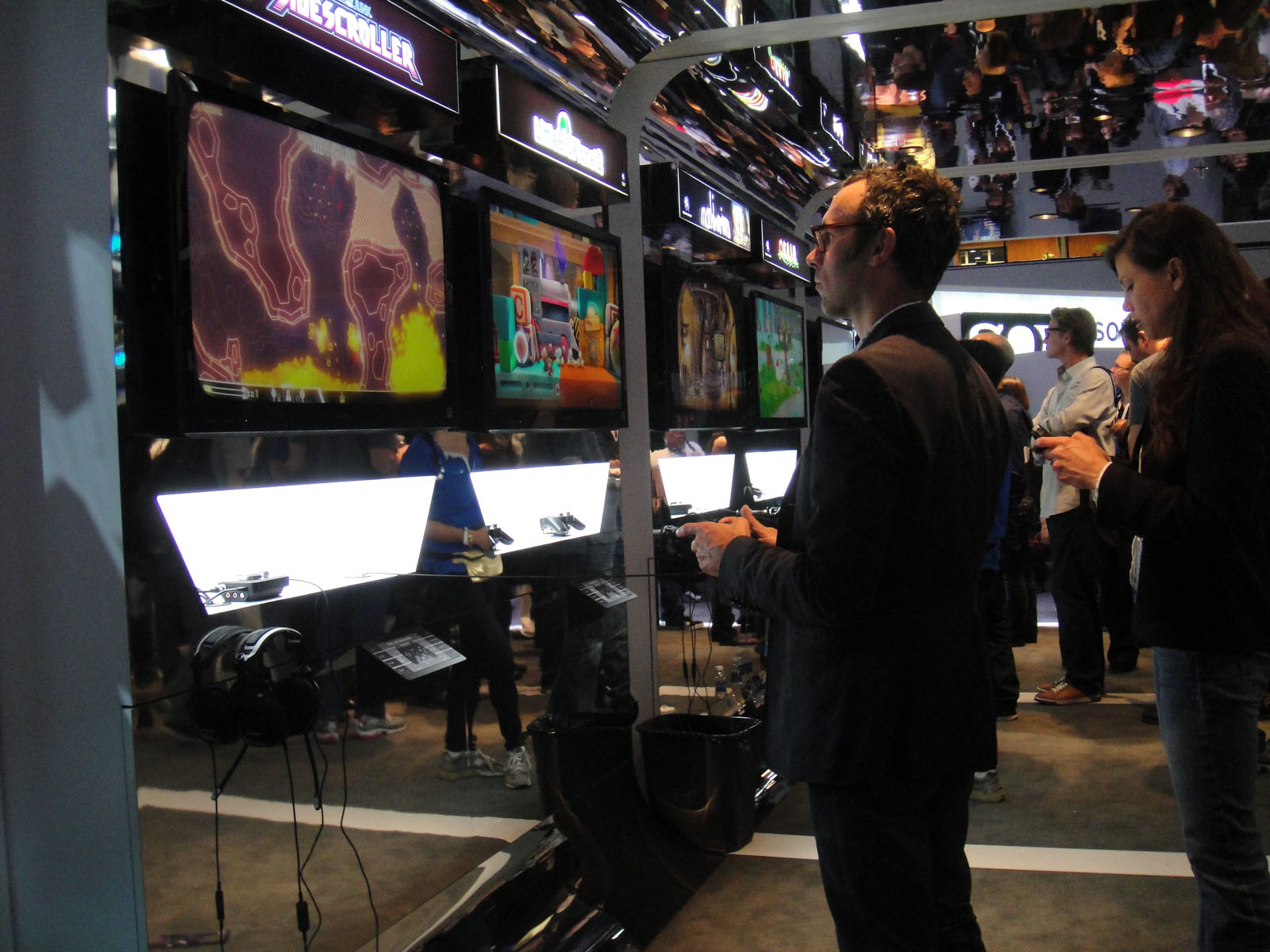
Keep the machine healthy and the catalog runs smoothly: close background tabs, enable hardware acceleration, and update the browser. On low-end hardware, the browser itself is the bottleneck, and a current browser is the single best upgrade available.
4. Expert Troubleshooting and Optimization
- Slow first load on school networks — the first visit streams assets; subsequent loads use cache and feel instant. - Choppy 3D on weak laptops — enable hardware acceleration in browser settings; it is the single biggest fix in our testing. - Game freezes after sleep — refresh the tab; most titles handle cold loads better than resume-from-sleep. - Keyboard inputs ignored — click inside the game frame first; embedded pages need focus before they read keys. - Pop-up blockers interfering — some titles open ads or lobbies in new tabs; allow pop-ups for the game domain. - School Wi-Fi blocking game hosts — use the site's mirror links when available; alternate domains often bypass filters.Responsible instant gaming: time and attention
Zero-install gaming removes friction, and friction is also a brake. Our analysis shows the no-download catalog's ease of entry demands its own discipline: session timers, context checks, and a rule against autopilot play. The games themselves often include reminder tools, but the responsibility lands on the player.
- Session timer: set a five-minute alarm for quick-break titles; the loop is designed to eat time.
- Context check: match the game to the setting; a school lab calls for puzzle titles, not shooters.
- Autopilot rule: if a session stops being deliberate, close the tab; mindless grinding teaches nothing.
- Digital balance: the best instant games respect your exit; return the favor by respecting your own limits.
Instant access is a feature, not a license. Players who pair the catalog with light structure in our testing reported the same fun with none of the guilt, which is the sustainable way to enjoy the most accessible corner of gaming.
The no-download category is the most accessible corner of gaming, and the browser is its native home. Deepen your skills with our Slope high-score strategy guide, learn the guaranteed 2048 winning pattern, and explore the best phone-friendly browser games when you move to a smaller screen.